Find anything you copied
Search a history of text, links, images and files. Anything a password manager hides is skipped.
NotchStar turns the MacBook notch into ten small native tools, from clipboard history to AirDrop, for anyone who lives on a Mac all day.
Free for 7 days, then $4 once. Requires macOS 14 or later.
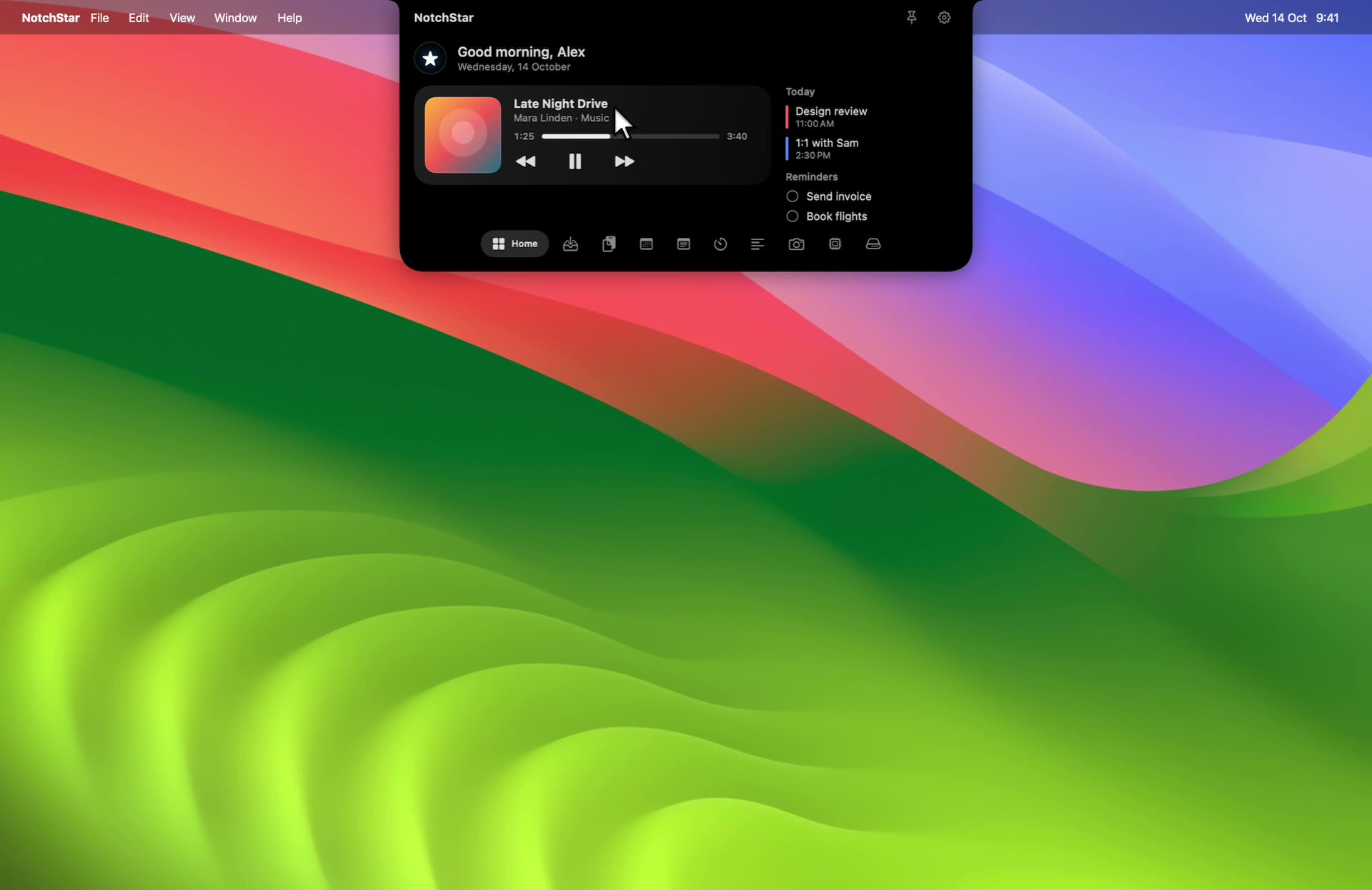
A real recording of the app, with sample data.
Everything you reach for all day, parked in the one spot your screen never uses. Hover the notch and it is there.
It sits at the top of every MacBook, always in reach and never in the way, and it does nothing. NotchStar puts the things you reach for most right there.
Search a history of text, links, images and files. Anything a password manager hides is skipped.
Park files in the notch while you work, then drop them on the AirDrop zone to send them to a nearby device.
Skip, pause and see the album art without switching apps.
Timers, a Pomodoro and your next events sit in one place, and keep counting while the notch is closed.
Find big folders, duplicates and app leftovers, then clean up. Everything goes to the Trash first.
Real recordings of the app, with sample data. Nothing here is mocked up.
Now Playing
Album art and controls for whatever is playing, updating the instant it changes.
Learn more about Now Playing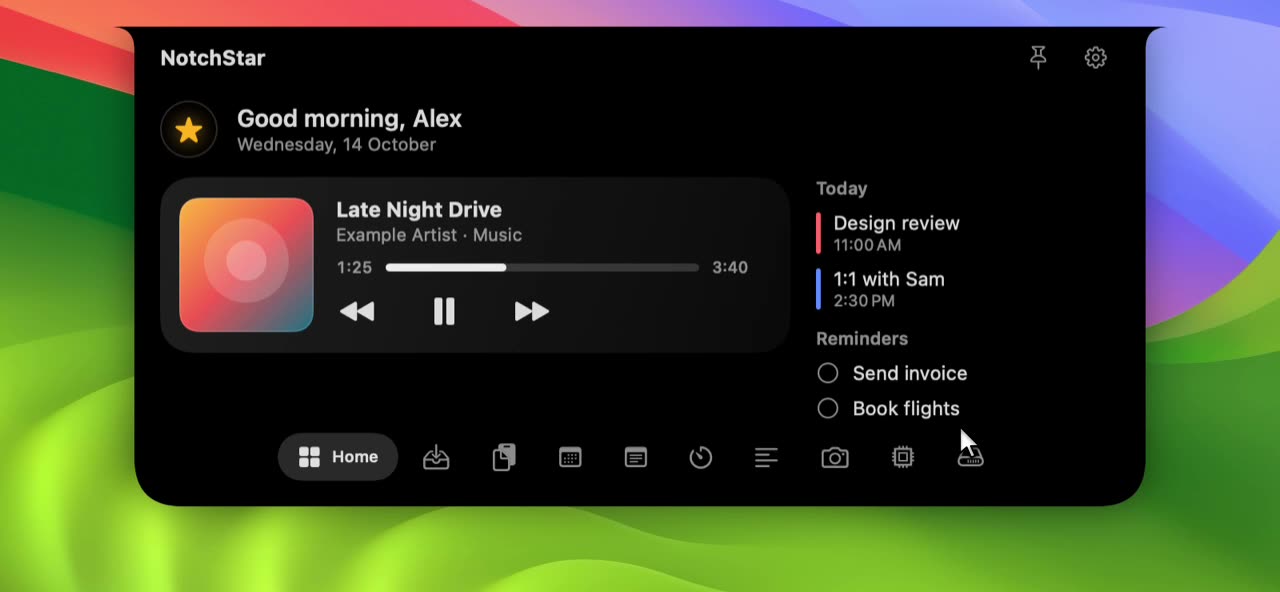
Clipboard
Text, links, images and files in one list you can search. Anything a password manager hides is skipped.
Learn more about Clipboard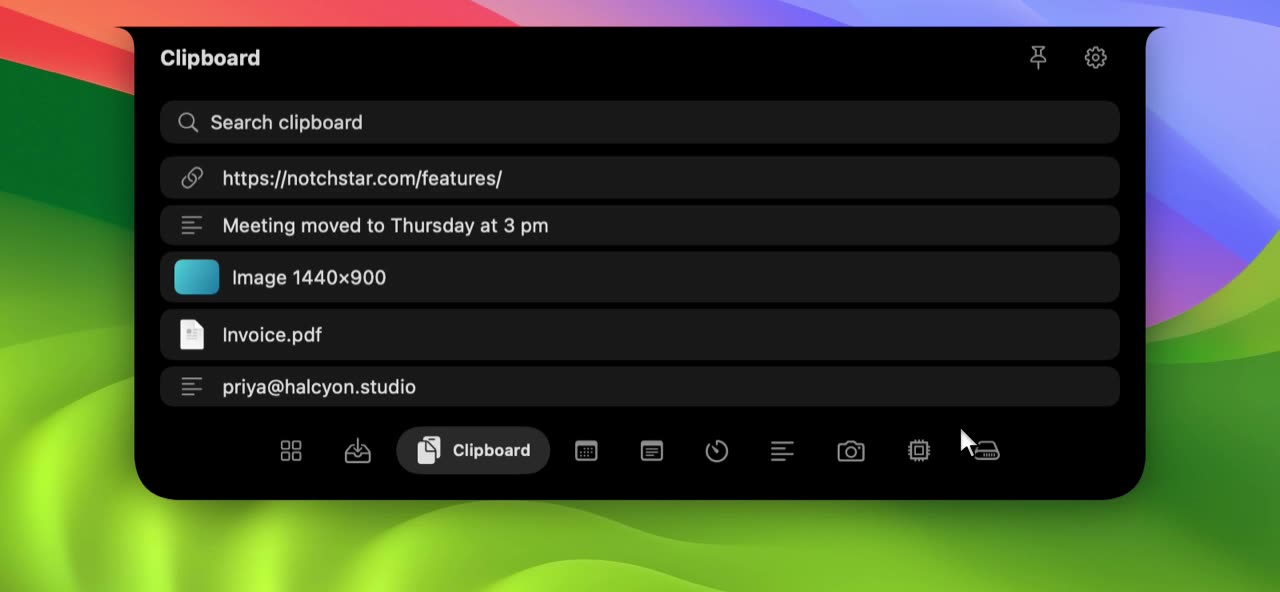
File Shelf
Park files while you work, or drop them on the AirDrop zone to send them to a nearby device.
Learn more about File Shelf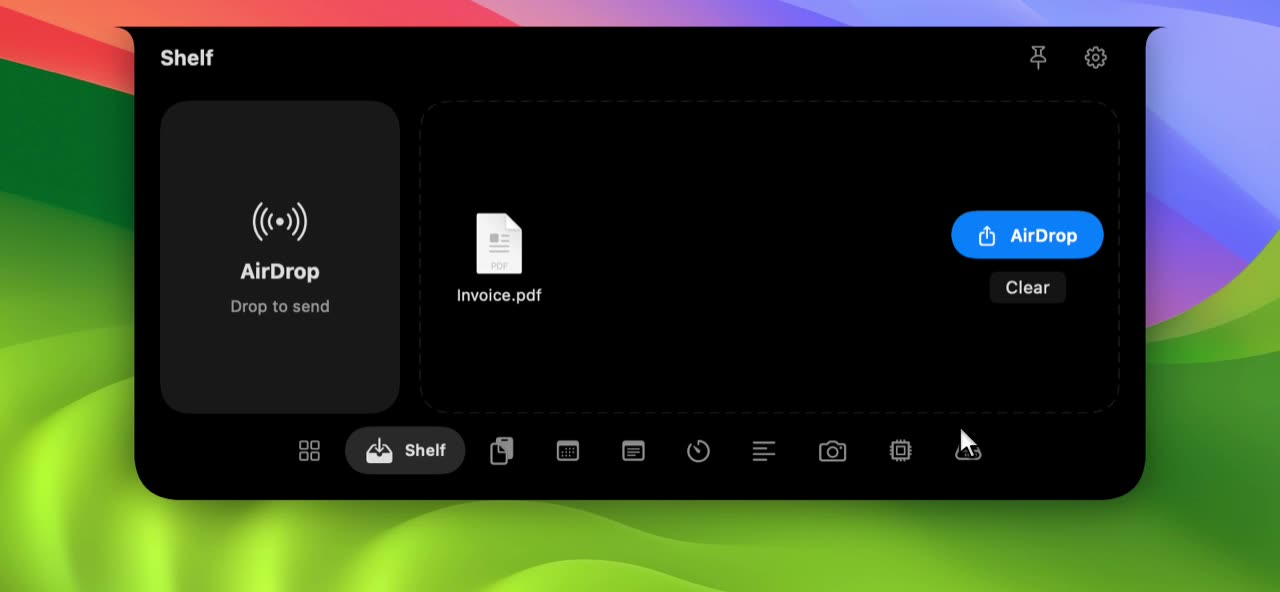
Timers
A timer, a stopwatch and a Pomodoro with session dots. It keeps counting while the notch is closed.
Learn more about Timers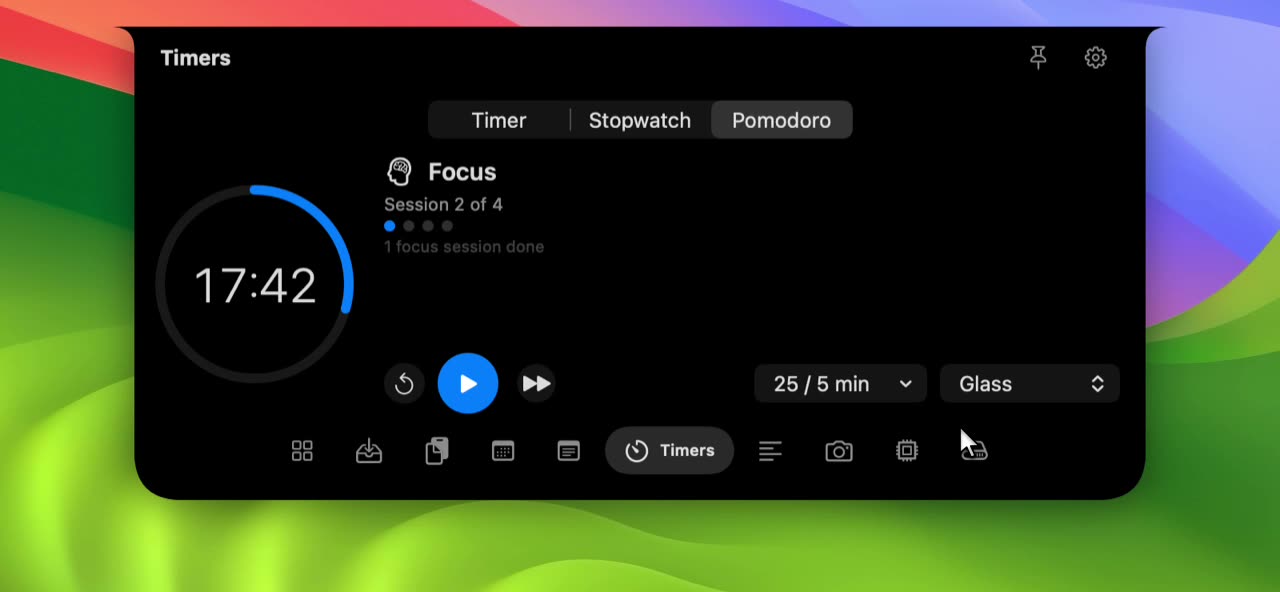
System Stats
CPU, memory, disk, battery and network speed, sampled only while you are looking.
Learn more about System Stats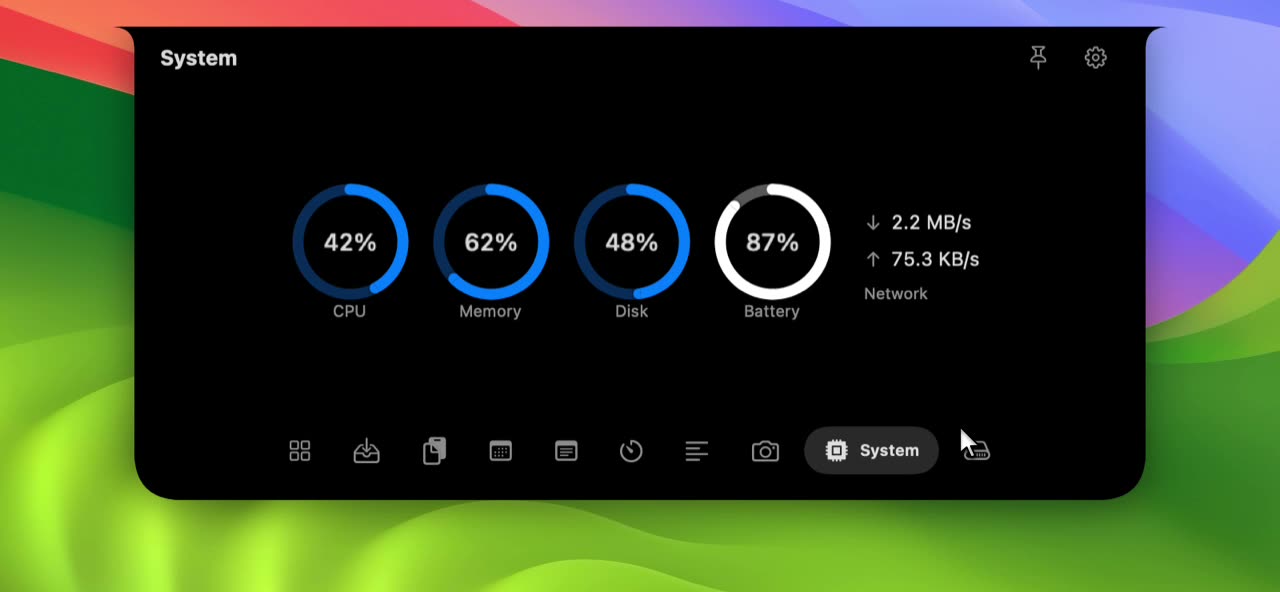
Teleprompter
A scrolling script right beside your camera, with speed and size under your thumb.
Learn more about Teleprompter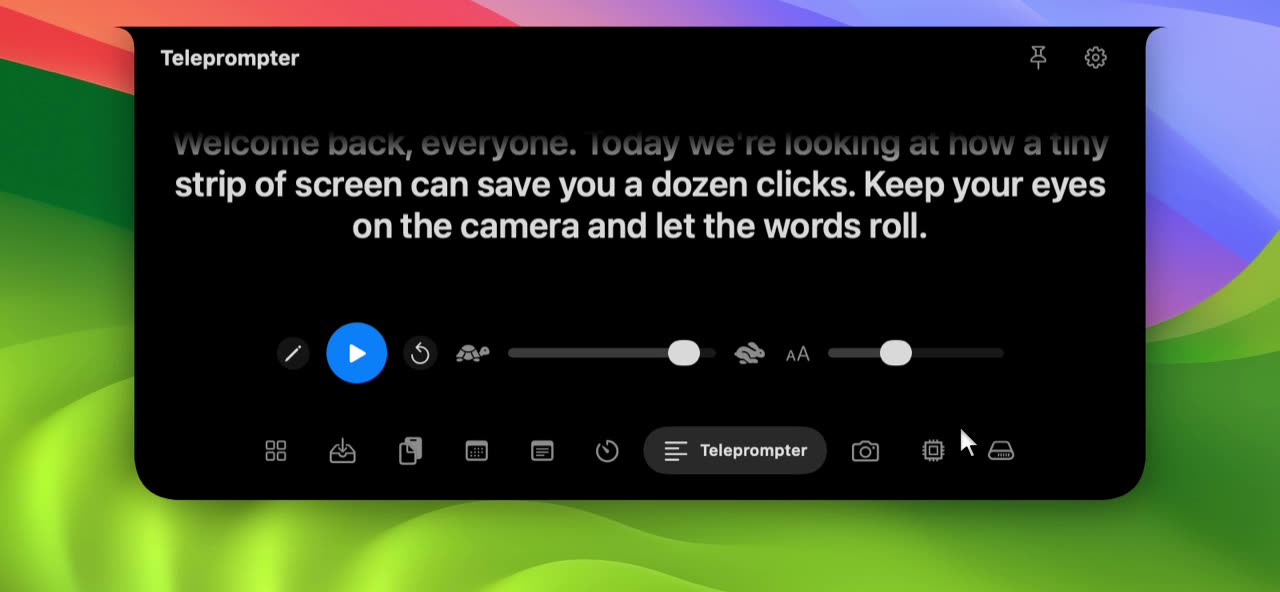
Calendar and Reminders
Your next events and due reminders, with one tap to tick a reminder off.
Learn more about Calendar and Reminders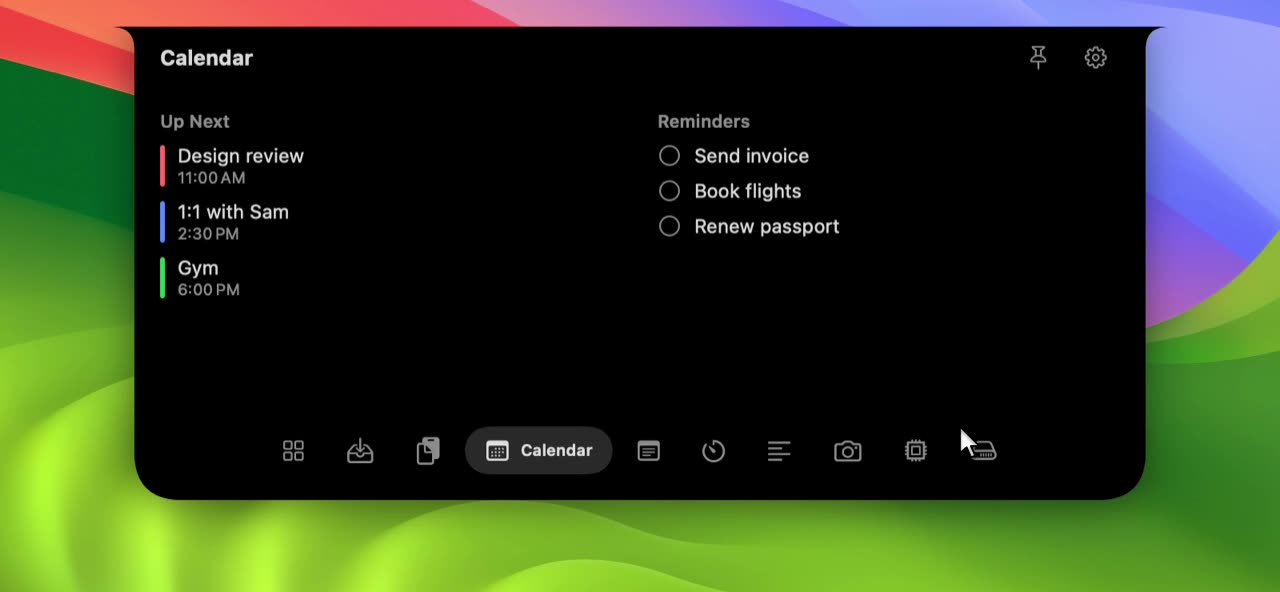
Mirror
A live, mirrored preview that only runs while you are looking at it.
Learn more about Mirror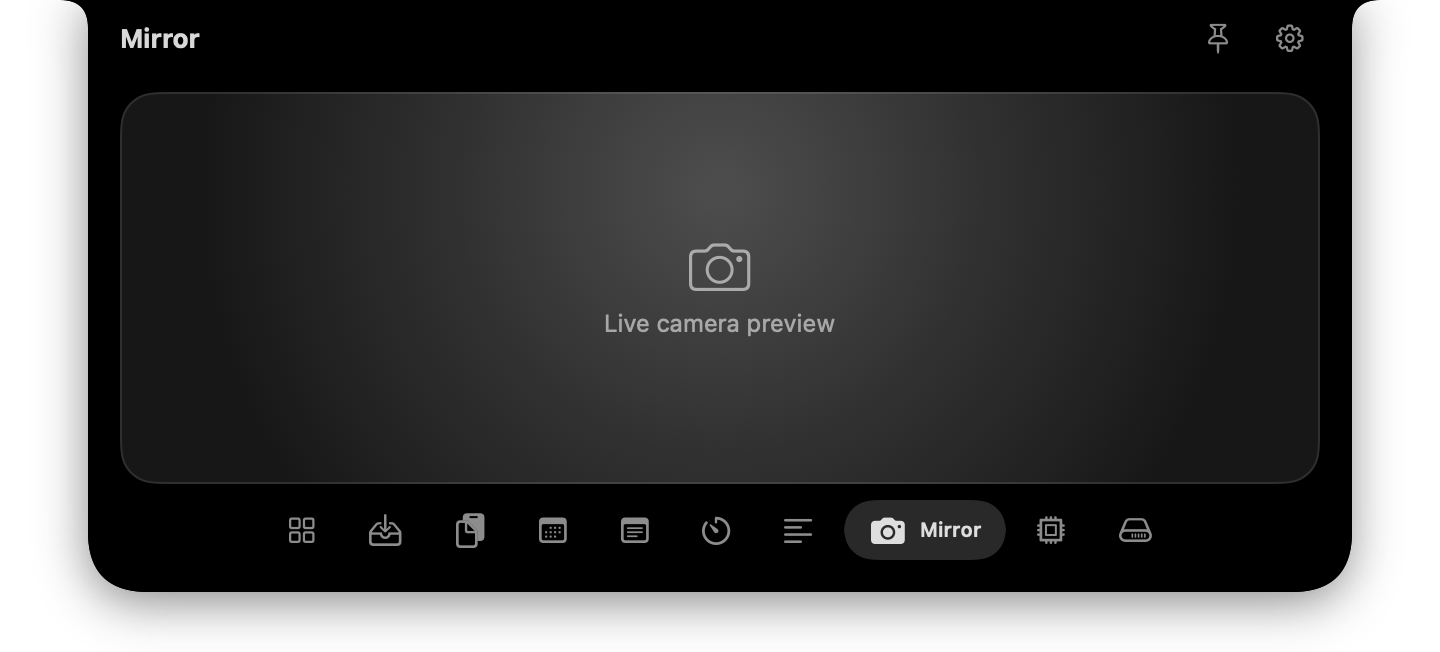
Disk
Find big folders, duplicates and app leftovers, shrink photos and videos, and clean up. Everything goes to the Trash.
Learn more about Disk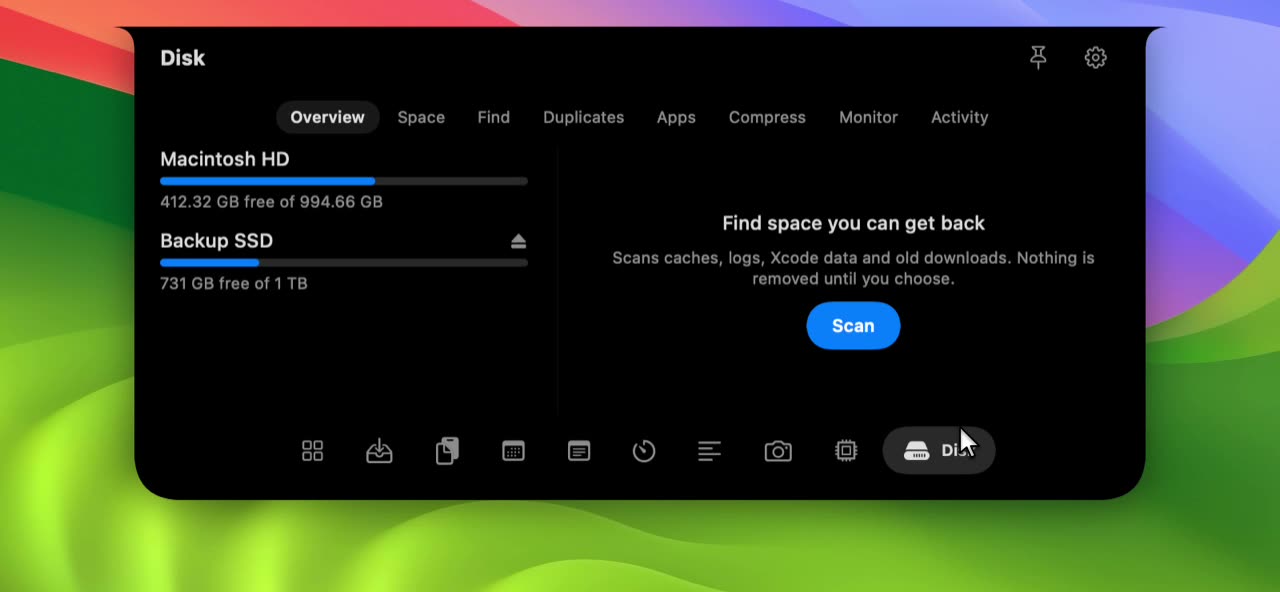
Quick Notes
A scratchpad that saves as you type, always one hover away.
Learn more about Quick Notes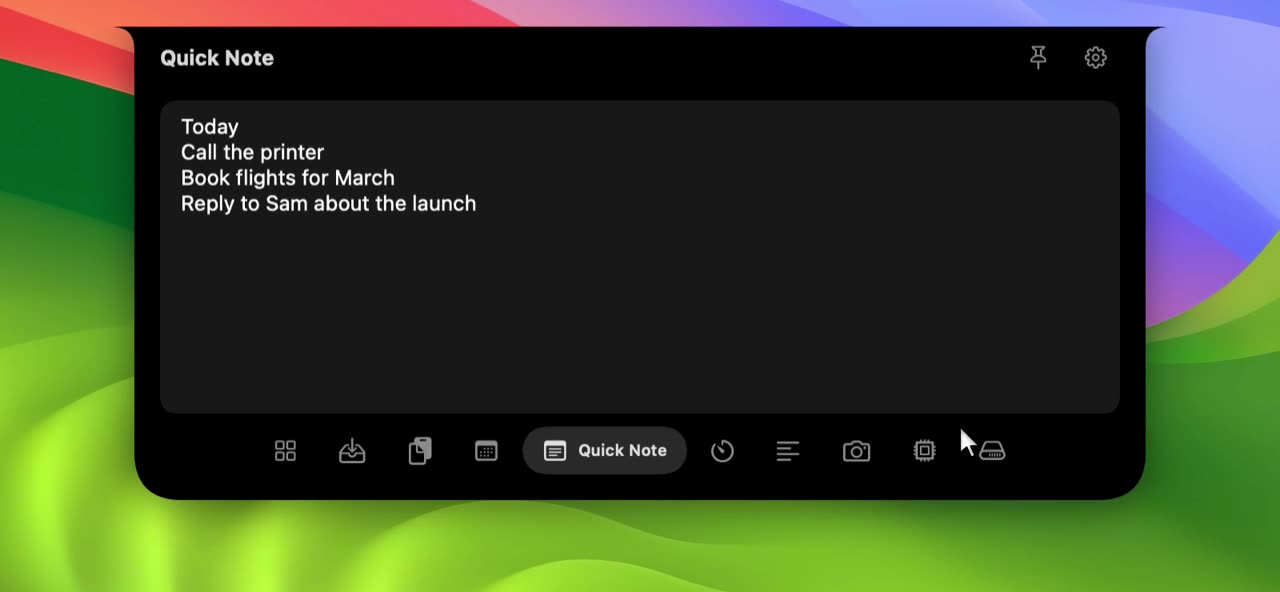
Drag NotchStar to Applications and open it. macOS asks you to confirm the first launch, because version 1.0 is not notarized yet.
Move the pointer to the notch and it opens. On a Mac without a notch, a small pill at the top of the screen does the same.
Click an icon in the tab bar. Reorder the tools or hide the ones you do not use in Settings.
Other notch apps are good too, and some do more. Compare them honestly, with every fact dated.
NotchStar is a native Mac app that turns the area around the MacBook notch into a small control center. Hover or click the notch and you get clipboard history, a file shelf with AirDrop, now playing, calendar and reminders, timers, a teleprompter, a camera mirror, system stats and quick notes.
NotchStar costs $4 once, with no subscription. Every install includes 7 days free, and one license works on up to 3 of your Macs.
Yes. Every install includes 7 days with every tool unlocked. After that NotchStar asks for a license key to keep the notch open. It never touches your data.
No. There is no account and no analytics. Clipboard history stays in memory on your Mac and is cleared when you quit, and the app skips copies that password managers mark as concealed. See the privacy policy for details.
Yes. On a Mac with no notch, such as an iMac, Mac mini or an external display, NotchStar draws a small floating pill at the top centre of the screen and expands from there.
Version 1.0 is signed but not yet notarized by Apple, so macOS asks you to confirm the first launch. The install page shows the two clicks it takes. Notarization is planned once our Apple Developer enrolment is complete.
It listens to the macOS Now Playing service through an open source adapter, so it works with Music, Spotify and other apps that report there. If that route is unavailable it falls back to AppleScript for Music and Spotify. Our guide explains the tradeoffs.
A Windows version is planned after the Mac release. It has no date and it would be a separate app built for Windows, not a port of the Mac code.

Download NotchStar, open your first tool in seconds, and decide after 7 days whether it earns $4.