A quick mirror before every call
Glance, adjust, join.
What it does.
- One hover
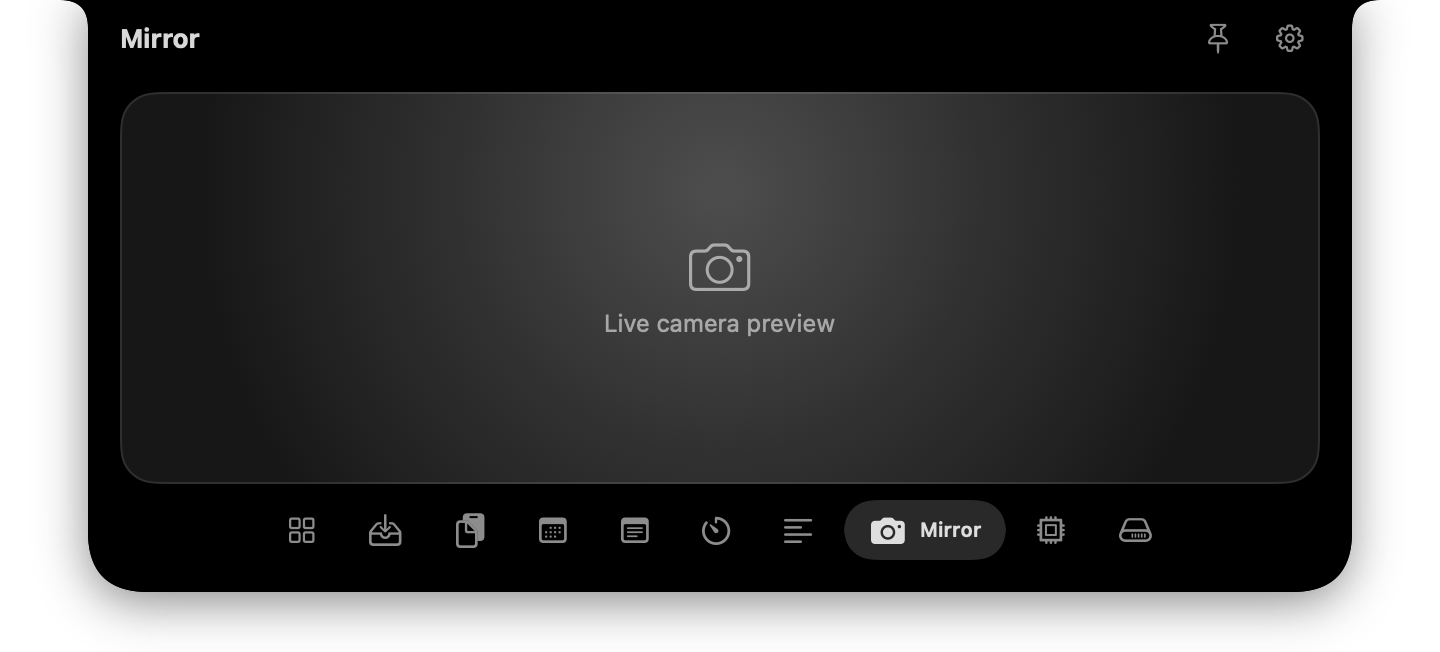
- Open the notch, pick Mirror, and see yourself right away. No camera app and no meeting required.
- Mirrored like a real mirror
- The preview is flipped the way you expect, so moving left looks like moving left.
- Camera only when you look
- The camera starts when the Mirror tab opens and stops as soon as you leave it, so the green light matches what you are doing.
- Asks first
- macOS shows its normal camera permission prompt the first time. If you decline, the tab links to the setting.
Joining a call and discovering your hair or lighting on screen is a small, familiar embarrassment. Mirror lets you check in two seconds.
Privacy
The camera starts only when the tab is visible and stops when it is not. The picture never leaves the app.
Good to know
- It shows a live preview only. It does not record, take photos or apply filters.
- It uses your Mac's default camera and has no camera picker.
Questions about Camera Mirror.
Does NotchStar record video?
No. The mirror is a live preview that is never saved or sent anywhere.
When is the camera on?
Only while the Mirror tab is open on screen. Switching tabs or closing the notch turns it off.
Can it use my iPhone as the camera?
It uses whichever camera macOS picks as the default, so that depends on your system settings.
Pair it with.
- Teleprompter
- Read naturally, look at the lens. See Teleprompter
- Calendar & Reminders
- What is next, without opening Calendar. See Calendar & Reminders
Put your notch to work.
Download NotchStar, open your first tool in seconds, and decide after 7 days whether it earns $4.